Photography

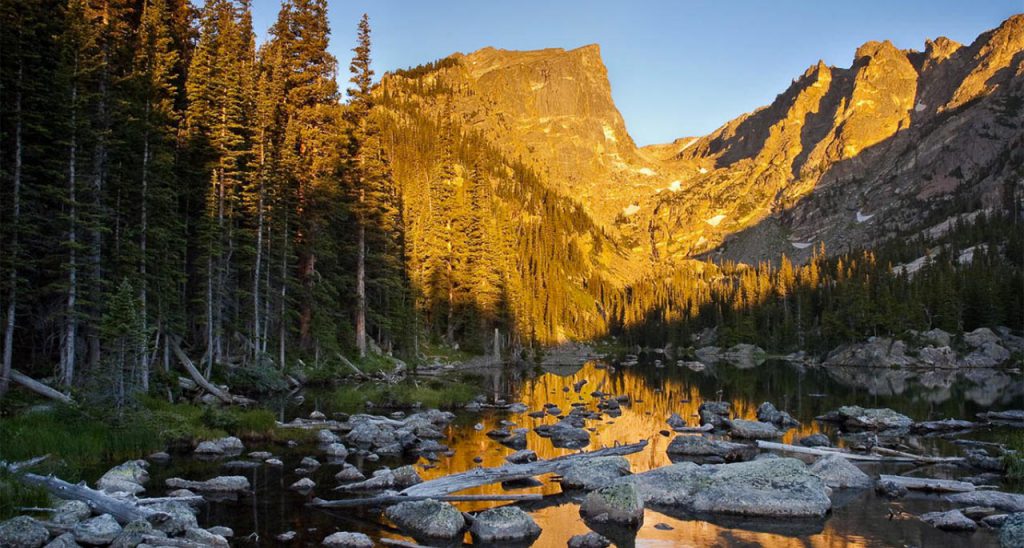
- Big Thompson River, Moraine Park, Rocky Mountain National Park by Michael Hodges
I enjoy stepping away from the computer and going outside with my camera. I prefer landscape photography but I am interested in just about every type of subject. Capturing the evening’s last rays of sunshine, as they land on the Texas Hill Country, is my idea of paradise. I am a photography “gear-head” which means I drool often while thinking about the latest and greatest cameras, lenses, software, devices and apps. But I firmly believe, with the right instruction, anyone can take a good photo…even with a less expensive camera. In fact, my camera is a couple of years old now and it still takes very good pictures. I think they look just as good as the pictures taken with a more expensive, professional camera.
The question I get a lot is…
What is a good camera to buy for beginning photographers?
If you are just starting to learn photography, and not sure if you will want to do it very often, then I recommend buying a mid-range DSLR. I own a Nikon D90 and it is a great camera for the price. You can still find new ones for sale from Nikon, B&H or on Amazon. Used D90′s are all over Craigslist. If you buy used, have the seller meet you at a camera store and have it checked out by one of their reps. The newer version of the D90 is the D7000 I think.
I have taken my D90 everywhere and it still amazes me how good the pictures look under very different lighting conditions. It is also light, easy to carry, comfortable to hold, and very intuitive to use and operate. 95% of the time, I keep the settings dial on manual and adjust for exposure using the f-stop and shutter speed dials. The auto white balance works very good, but I also use a Lally Cap for custom white balance.
What kind of lens do you recommend?
My all time favorite so far is the Nikkor 18-200mm lens. This lens is on my camera about 95% of the time, unless I need a wider angle view, then I switch to the “tank” AKA Tokina 12-24mm. The Nikkor 18-200mm has VR or vibration reduction which means that you can shoot with a lower shutter speed, in low-light and still get a sharp enough picture. It also has a wide enough range of zooms that will allow you to take pictures of just about anything. The only time I switch to the Tokina would be if I was standing very close to a building, as in Europe.
What else do you recommend?
- Lally Cap – It’s amazing to me that this simple, little piece of fabric can do a better job white balancing your camera than your camera’s built in computer. I use mine 95% of the time when I am taking pictures. This saves me hours of work fixing white balance issues in Lightroom.
- Lexar professional sd cards – Don’t go cheap on your memory card! You will regret it. Cheaper cards get corrupted all of the time and lack the speed it takes to write the image from the camera to the card. Be sure to buy a professional card with a high write speed. The one I use is the Lexar Professional SDHC 4GB 133x Speed Card.
- Wireless remote – I use this to keep from shaking the camera during extended exposures or for self portraits.
- Gitzo carbon fiber tripods – A good tripod will also make or break your images. My gitzo has been with me everywhere and still works flawlessly. It is very easy to carry, set up and adjust.
- Gitzo ball heads – A good ball head on your tripod will allow you to position and hold your camera. The Gitzo ball heads are very easy to adjust and get your camera into position quickly. It also holds the camera very still, even if I have a large lens on the camera.
- Lightscoop – If you are using your on-camera flash, the lightscoop will drastically improve the pictures you take indoors. I use mine all of the time now when taking pictures of my daughter and family indoors. The lightscoop works best indoors with a low-ceiling.
- Nikon speedlight sb-600 – I use this flash with a diffuser when I am taking lots of pictures indoors or at events.
- Small camera bag – I carry this when I am out taking pictures or if I will be walking a lot. This lowepro shoulder bag has plenty of room for my camera with a lens attached, a spare lens, extra battery, memory cards, snacks and a water bottle on the side.
- Large camera back pack – I carry this on the plane and also put my laptop inside. I use it to carry all of my gear to a destination and then move bits and pieces of the gear into the small bag for the day.
- Adobe Photoshop Lightroom – I do 90% of my post-processing in this program. I only go to Photoshop if I need to do some cloning or Photoshop-fakery.
- Nik Software Plugins for Lightroom – If I create an HDR image from multiple exposures, I use HDR Efex Pro. Most of the time, I just use that program to add HDR like tone-mapping to a single image. If I want to convert to black-and-white, I use Silver Efex Pro.
- Simple Video Editing – You videographers will probably laugh, but Camtasia is one of the easiest and hassle free video editors out there. It’s also very good for creating screen recordings or simple SEO videos on Youtube.
- Advanced Video Editing – I am not a big fan of video editing. It takes a very long time, is tedious and the video files take up a lot of hard drive space. For larger projects, I use Adobe Premiere Elements.
- Image Hosting – Flickr is still one of the easiest and safest to use. I can take a picture with my phone, email it to my Flickr address and then a tweet is automatically sent out on Twitter and then to Facebook.
- Image Hosting + Sales – There are a ton of online shopping carts these days, but I still have most of my prints for sale on Zenfolio.com. They do a very good job keeping their site simple and easy to use. If I wasn’t on Zenfolio, then I would probably use SmugMug.
- Video Hosting – Vimeo is well worth the yearly fee. It is very easy to use and the videos don’t have advertisements on top of them during playback. You can also watch the videos on your big screen TV using a Roku box with the Vimeo channel installed.
- Custom Built Windows Laptop – I used to build my own desktop computers, but now I buy my laptops from xoticpc.com. Yes, Macs are very good, but I prefer a bit more customization and horsepower. My ASUS G53SW-A1 laptop is very fast and doesn’t slow down one bit even when I have 10 programs open with video rendering going on in the background.
- File & Computer Backups – I have a Drobo, but have been disappointed with the data transfer speeds to and from my computers to the Drobo over my 1 Gigabit network. I am also very disappointed at the amount of noise that comes from my Drobo. For some reason, it doesn’t hold the hard drives tight enough which allows for a florescent bulb type of buzzing. If I had to do it over, I would buy a high capacity external hard drive and just back up using USB 2.0.
- Small Portable Printer – The Epson Picturemate is my new favorite. I can take this with me everywhere and make prints immediately, on-demand. It creates very high-quality 4×6 prints that can be framed immediately. No more excuses to Mom. Take a picture and then print it at your house or theirs.
- Printing – I have been very happy with prints from Mpix. Ordering is easy and the prints arrive quickly and in good nick.
- Printing & Framing – I have been very happy with the quality of the prints and frames from Imagekind. My wife and I have used Imagekind to order many framed prints for family and friends. You can see some examples below.
- Printing on Board – This method produces one of the most vivid and detailed prints I have ever seen. If I could, I would print and mount everything this way.
- Cheap frames from IKEA – then I replace the included IKEA acidic mat with a custom, acid-free mat using Frames by Mail. See custom matting.
- Custom Matting – The Frames by Mail mat program is the easiest for me to use to order a custom mat.
- Just Frames – I have bought many, many frames from American Frame and have always been very happy with them.
Here are some examples of my framed prints, prints on canvas and prints on board:
.

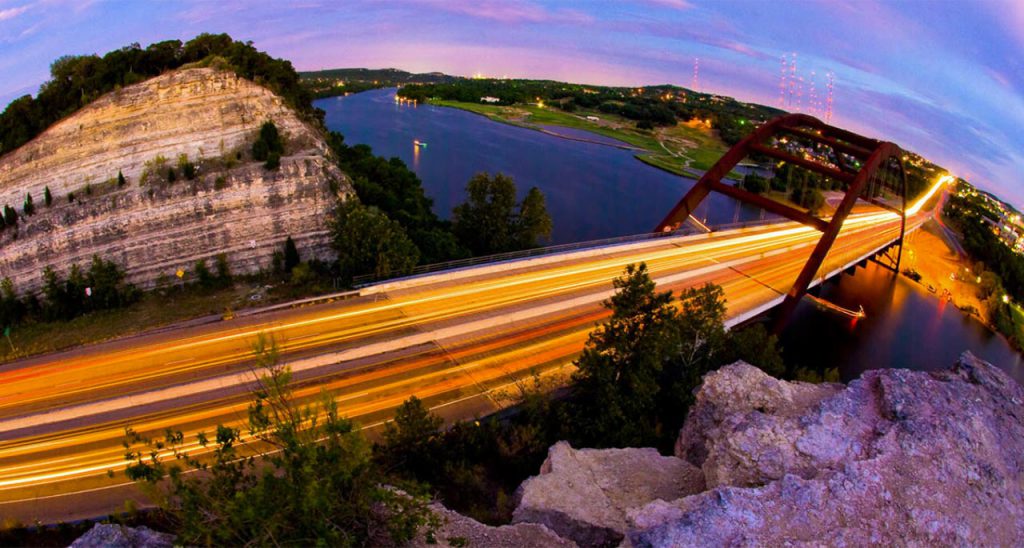
Canvas print of the Austin 360 Bridge Treye Rice & Matt Sandlin of Fitness 360 Gym located in Austin, Texas
.
.
.
.